
ayushmancard-download: A Step-by-Step Guide for 2026
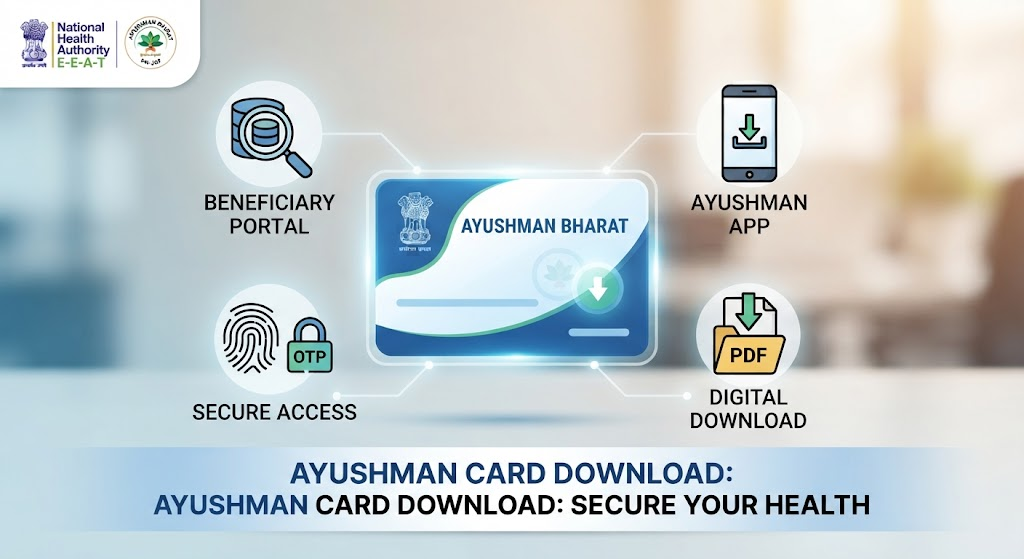
Many beneficiaries find it difficult to locate the official portal for their health documents. You can easily complete your ayushmancard-download process in minutes by using the official National Health Authority (NHA) beneficiary portal or the authorized mobile application.
Table of Contents
What is the Ayushman Bharat Card?
The Ayushman Bharat Pradhan Mantri Jan Arogya Yojana (AB-PMJAY) is a flagship government scheme providing health coverage of up to ₹5 lakh per family annually. Your ayushmancard-download grants you a digital identity, serving as proof of your eligibility for cashless treatment at empanelled public and private hospitals across India.
Quick Summary: Ayushman Card Details
| Feature | Details |
| Scheme Name | Ayushman Bharat (PM-JAY) |
| Primary Benefit | ₹5 Lakh annual health cover per family |
| Download Portal | beneficiary.nha.gov.in |
| Mobile App | Ayushman App (via Google Play/App Store) |
| Cost | Free (Government initiative) |
How to Perform Ayushman Card Download Online
You do not need to visit an office to get your card. Follow these simple steps to secure your ayushmancard-download from the comfort of your home.
1.Visit the Official Portal:Official Website.
Go to the official NHA Beneficiary Portal.
2.Login with OTP:Authentication.
Enter your registered mobile number, click “Verify,” and enter the OTP sent to your phone.
3.Search Beneficiary:Identification.
Select your State, the scheme (PMJAY), and search using your Aadhaar number for the fastest results.
4.Authenticate & Download:Final Step.
Verify your identity via Aadhaar OTP/Biometric, then click the download icon next to your name to save the PDF.
Downloading via the Ayushman App
If you prefer using your smartphone, the official Ayushman App is a secure way to manage your healthcare access.
- Download the Ayushman App from the Google Play Store or Apple App Store.
- Log in using your registered mobile number and verify with the OTP.
- Navigate to the “Ayushman Card” section on the dashboard.
- Search for your profile using your Aadhaar number.
- Authenticate your identity and tap the download button to store the file on your device.
Steps for Ayushman Card Download via DigiLocker
DigiLocker is a secure government platform to store your official documents.
- Open the DigiLocker app or website.
- Search for “Pradhan Mantri Jan Arogya Yojana” in the search bar.
- Enter your unique PMJAY ID or Aadhaar details.
- Your card will appear under “Issued Documents” for immediate download.
Offline Method: Visit a Common Service Centre (CSC)
If you lack internet access, you can visit your nearest Common Service Centre (CSC) or an empanelled hospital.
- Carry your original Aadhaar Card and Ration Card.
- Provide your mobile number to the center representative.
- They will perform the ayushmancard-download process using their admin portal and provide you with a printed copy.
Eligibility Criteria for PM-JAY
Understanding who qualifies helps avoid application errors. Eligibility is primarily based on the Socio-Economic and Caste Census (SECC) 2011.
- Rural Households: Families living in one-room mud houses, households without adult male members (16–59 years), or families with disabled members.
- Urban Occupations: Street vendors, construction workers, sanitation workers, and transport staff.
- Senior Citizens: All individuals aged 70 and above are now eligible for coverage, regardless of socio-economic status.
Important Documents Required
Keep these documents ready to ensure a smooth ayushmancard-download experience:
- Aadhaar Card (Mandatory for e-KYC)
- Ration Card or Family ID (To prove family link)
- Mobile Number (Must be linked to Aadhaar for OTP verification)
Benefits of Holding an Ayushman Card
- Cashless Hospitalization: Access treatment without paying upfront at network hospitals.
- Portability: Use your benefits at any empanelled hospital across India.
- Comprehensive Cover: Covers medical examinations, treatment, consultations, and post-hospitalization costs.
Frequently Asked Questions (FAQs)
1. Is there a fee for ayushmancard-download?
No, the download is completely free of cost via official government portals like the NHA website, Ayushman App, or DigiLocker.
2. Can I download the card by mobile number only?
Yes, you can initiate the process using your mobile number, but you must complete identity verification using your Aadhaar-linked OTP.
3. What if my name is not showing in the beneficiary list?
If you are eligible but not listed, visit your nearest CSC or empanelled hospital with your documents to get your details added to the database.
4. How can I check if my Ayushman card is active?
Visit the official PMJAY portal, log in, and check your card status; if it shows “Approved,” your card is active.
5. Can I use the Ayushman card for private insurance?
Yes, you can use the Ayushman card alongside private insurance to fill coverage gaps, as they are independent systems.
6. Are senior citizens eligible for this card?
Yes, all senior citizens aged 70 and above are eligible for ₹5 lakh annual health coverage regardless of income.
Conclusion
Do not wait for an emergency to realize you need your documentation. Complete your ayushmancard-download now using the official NHA portal to ensure your family remains protected against unexpected medical expenses. If you encounter issues, visit your local CSC immediately for professional assistance.
You Main Also Read More : ayushmancard-download